Free Facebook ad generator: your product photo, ready to post.
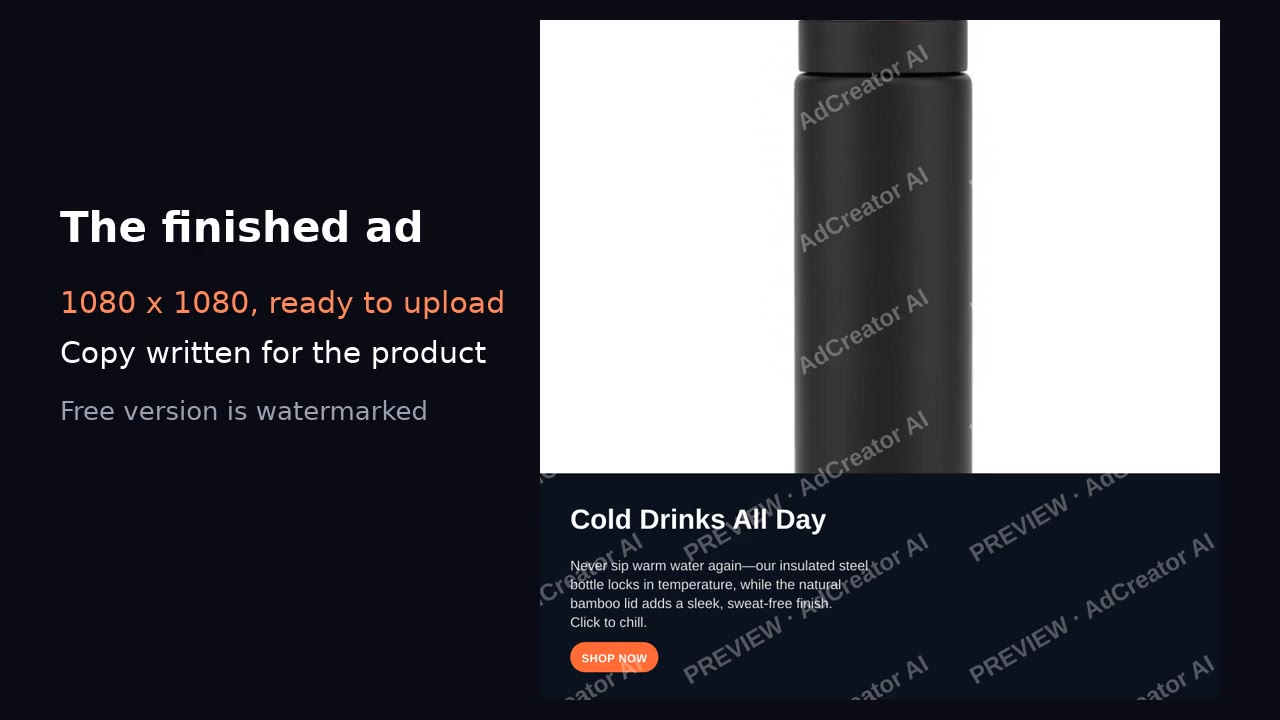
Drop in one product photo, tell us what it is, and get a ready-to-post 1080×1080 Facebook and Instagram feed ad — image, headline and primary text sized for Meta’s limits — in seconds. No account, no credit card.
AdCreator AI gives you finished, un-watermarked ads for Facebook, Instagram, Google and TikTok — plus narrated video ads — for every product in your catalogue. Your first one is on us.
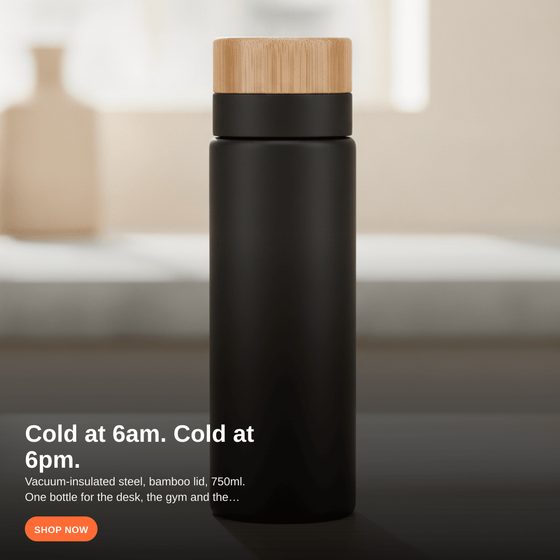
That is what the tool above makes from one photo — scroll up and try it with your product.
Making a Facebook ad from a product photo
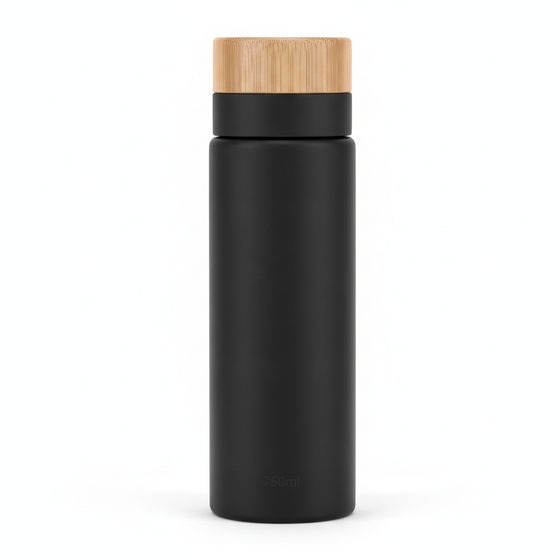
The image: square, product in the middle
A 1080×1080 square is one of Meta’s standard feed sizes, and it shows well on both Facebook and Instagram. Keep the product and any headline in the centre of the frame: placements crop differently, and a message built in the middle survives the 4:5 vertical crop too. A phone photo against a plain background works better than people expect; it looks like a real shop’s product.
The copy: what fits before “See more”
Meta shows roughly the first 125 characters of primary text before cutting it off, so the offer and the reason to click go first. Headlines of about 27 to 40 characters display in full on most placements. The generator writes copy to those lengths; our guide to Meta’s character limits has the full list.
Running it as an ad
Download the ad, then create a new campaign in Meta Ads Manager, choose your objective (sales or traffic for a shop), upload the image, paste the primary text and headline, and link to the product page. Test two or three versions of the same product with different headlines and keep the one with the lowest cost per click.
Doing it for a whole Shopify catalog
This page makes one watermarked ad at a time. The AdCreator AI Shopify app makes clean ads for your products straight from your catalog, with photo and copy filled in.
Frequently asked questions
Is this Facebook ad generator free?
Yes. Upload a product photo and get a finished ad with copy, no account and no card. The ad is watermarked; the clean version is part of the AdCreator AI Shopify app.
What size is the ad?
A 1080×1080 square, which is one of Meta's standard feed sizes for Facebook and Instagram. Vertical 4:5 is also common in feeds; build the message in the middle of the frame so it survives either crop.
How long should Facebook ad text be?
Keep the primary text to about 125 characters, since Meta cuts it off with "See more" after that on most placements, and the headline to about 27 to 40 characters.
Can I use the ad on Instagram too?
Yes. The square format works in both Facebook and Instagram feeds, and you can choose both placements when you create the ad in Meta Ads Manager.